
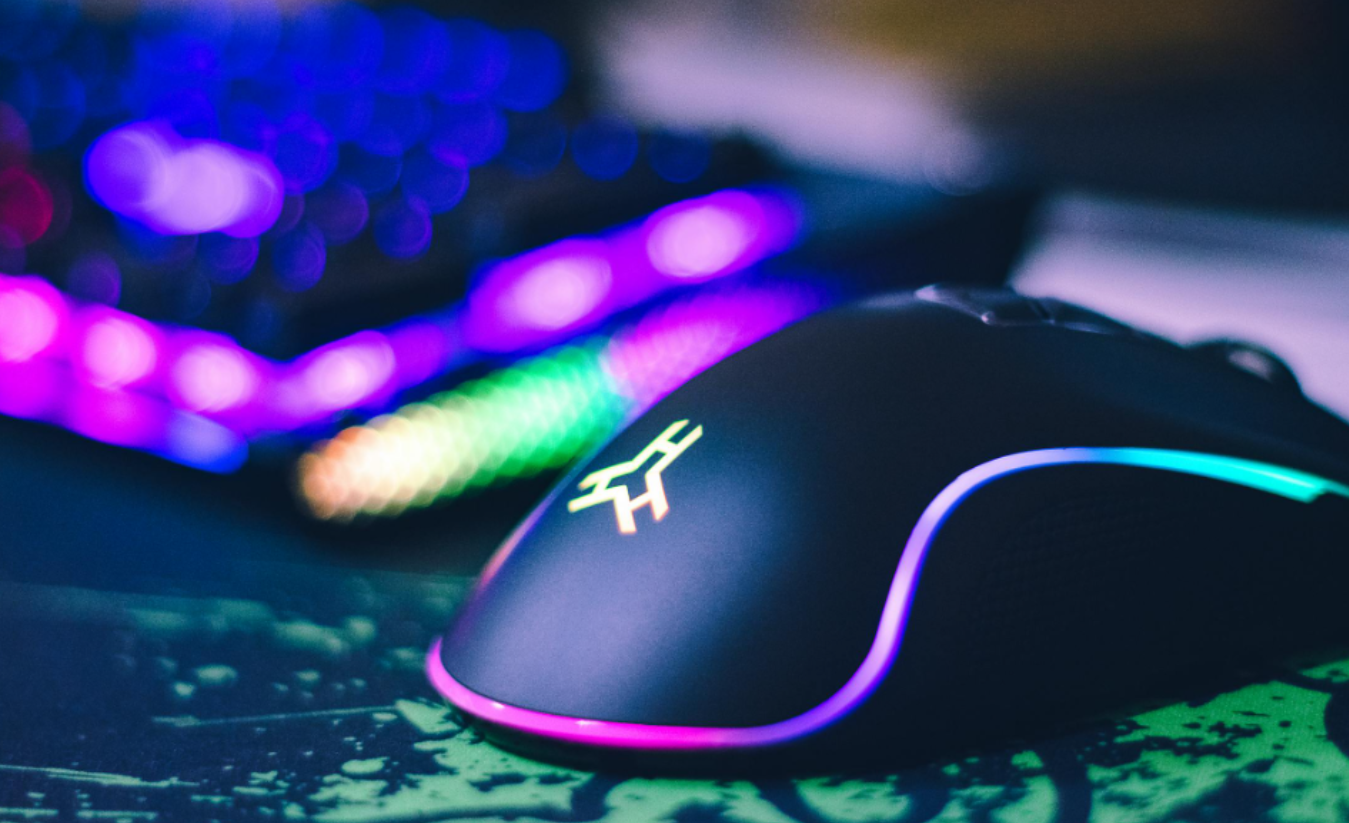
Picking a gaming peripheral in 2026 feels more complicated than it should be. Every product page screams about polling rates, RGB zones, and “pro-grade” sensors. But most of those numbers mean nothing without the context of how you actually use the device. For Irish consumers, especially, where imports and limited in-store demos make returns a pain, buying blind based on specs alone is a genuinely expensive mistake.
The features that actually separate a great peripheral from a mediocre one are rarely the ones front and centre in the marketing. They tend to live in the footnotes or get skipped entirely in mainstream reviews. Here are five of them.
-
Latency Numbers That Actually Matter
Not all latency is the same, and manufacturers know most buyers won’t dig into the distinction. What matters isn’t just the headline polling rate.
It’s the actual click-to-register delay under real conditions, including wireless interference, USB controller quality, and whether the device dequeues inputs consistently.
This becomes clear when you look at how demanding real-time digital platforms are in terms of hardware requirements. Categories like competitive multiplayer, live trading tools, and fast-paced online environments show that split-second interaction matters.
Offshore Casino platforms, for example, offer live dealer games where video streams, betting systems, and player actions must remain synchronised in real time. Even a slight delay can disrupt the experience, causing video feeds to lag behind player inputs or slowing the confirmation of actions.
Similar challenges exist in online gaming and financial trading, where milliseconds can affect outcomes and user confidence. As a result, these platforms depend on reliable processing power, stable internet connections, and low-latency infrastructure to deliver the seamless performance that users expect.
They all expose the same weakness in budget peripherals: inconsistent input timing. A device that responds smoothly under light load but stutters when the browser tabs pile up is precisely the kind of product that looks fine in a spec sheet and disappoints in real use.
-
Build Quality Beyond the Price Tag
There’s a persistent myth that price predicts build quality in peripherals. It doesn’t, at least not reliably. Some €40 mechanical keyboards use premium switches and a thick aluminium plate.
Some €120 “gaming” keyboards flex visibly when you type hard. The number to hunt for is whether the manufacturer lists internal acoustic dampening, stabiliser treatment, and case material honestly.
Wired peripherals still account for 64.5% of the global market. For most buyers, low-latency reliability and not worrying about charging outweigh the convenience of going wireless.
If you’re buying a wired mouse or keyboard, a braided cable with a low-friction weave and a solid strain relief collar are small details that dramatically affect longevity. They’re almost never in the headline specs.
-
Software Bloat vs. On-Device Controls
This one gets consistently overlooked. A peripheral that requires a background application to run constantly can create problems for users who rely on macros, lighting profiles, and DPI settings.
This is especially true for people who use multiple devices. That includes a large number of Irish professionals working in hybrid environments.
On-device profile storage means your settings travel with the device, not the software installation. You plug in, and everything works, no admin rights required, no app nagging you to update.
At least 76% of gamers are more likely to buy from brands that offer personalised options in their gear. However, personalisation only counts if those settings are actually portable and reliable across environments.
-
The One Spec Most Reviews Skip
Battery life figures on wireless peripherals are almost universally misleading. Manufacturers measure them with RGB disabled, polling rates dropped to 125 Hz, and minimal button activity. In practical use, RGB on, 1000 Hz polling, gaming for a few hours a day, the runtime can fall dramatically from the advertised figure.
Independent reviewers have started pushing back on this. According to RTINGS’ wireless mouse guide, the best 2026 wireless picks advertise up to 130 hours of battery at 1000 Hz with RGB off. This is a figure that gives you a realistic baseline rather than an inflated marketing number.
When comparing wireless options, always check whether battery specs are given at your intended polling rate, not the lowest available setting. That single adjustment will filter out a surprising number of otherwise well-reviewed products and point you toward gear that genuinely delivers on its promises in daily use.