
Replacing office technology often leaves one job unfinished: dealing with the equipment that is no longer in use. Even after staff have moved to new systems, the business still needs to account for the data stored on its old hard drives and other devices.
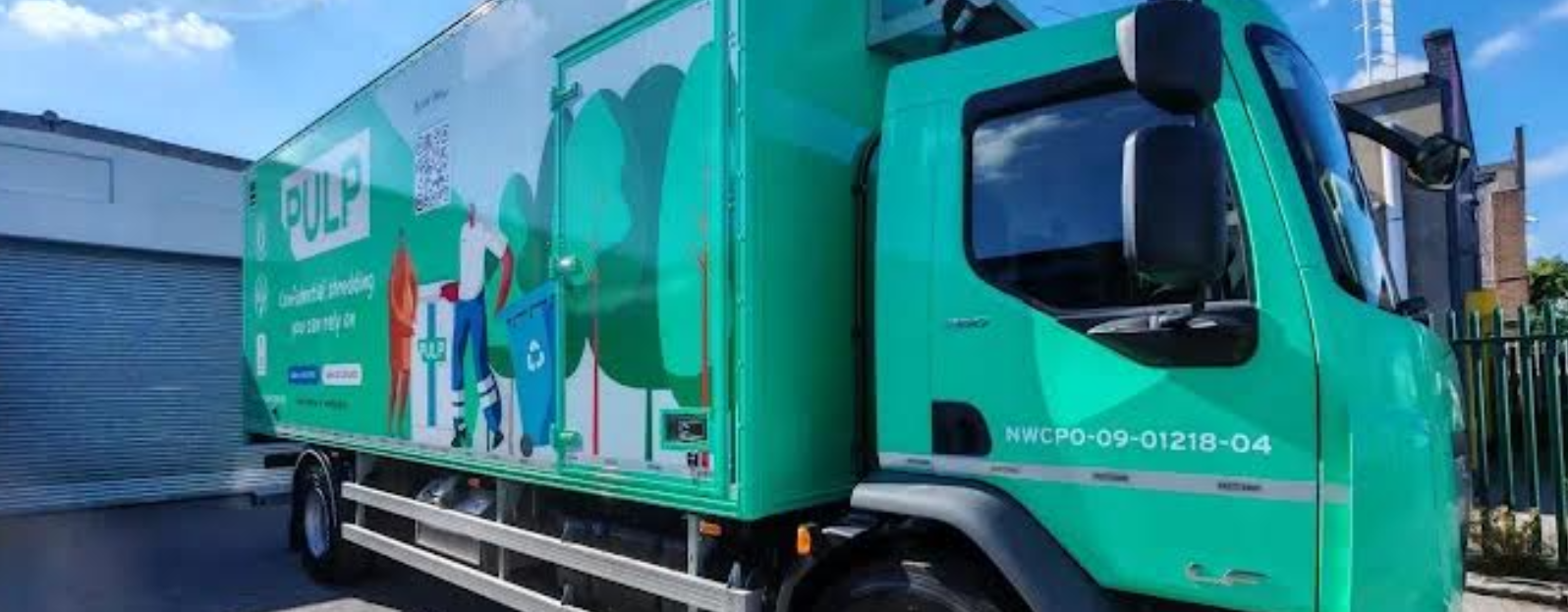
Services such as Pulp’s secure onsite IT destruction bring mobile shredding equipment directly to business premises, allowing approved storage media to be physically destroyed onsite. A company representative can also witness the process, giving the business direct oversight before the resulting fragments are taken away.
For office managers and IT teams, preparing for a visit involves more than arranging a date and time. They need to establish what can be destroyed, organise access to the equipment and agree what documentation will be provided afterwards. Getting these details sorted beforehand can help avoid delays and make the disposal process easier to manage.
Decide What Is Ready for Destruction
Old equipment is not automatically ready for disposal. An unused laptop might still contain files someone needs, while a hard drive removed from a server may require approval from another department.
Before arranging destruction, establish which items are being retired and who has the authority to release them. Any information the business needs to retain should be backed up or transferred, with the copies checked before the original media is destroyed.
The Data Protection Commission’s guidance on data security makes an important point here. Simply formatting a hard drive is insufficient, as information may still be recoverable. Organisations remain responsible for ensuring personal data is properly removed from devices before disposal.
There is also a difference between destroying equipment and preparing it for reuse. Devices being returned to a leasing company or passed on to another user need a suitable method of data removal rather than physical destruction. Keep these separate from anything approved for shredding.
An asset list helps track what has been cleared for disposal. It can be as straightforward as recording serial numbers, the department responsible and who authorised destruction. For larger jobs involving several teams, having one person coordinate this information can save confusion later.
Give the Provider a Clear Picture of the Job
Telling a provider there is some old IT equipment ready for destruction is a start, but it doesn’t tell them much about the work involved. A few boxes of hard drives are quite different from a room containing laptops, storage devices and other retired hardware.
When booking, there are two main things to explain:
- What needs destroying: the types and approximate quantities of equipment or storage media, where they are currently stored and whether drives have already been removed from computers.
- What the premises are like: where the vehicle can park, which entrance the team should use and whether any arrangements are needed with reception or building management.
Different types of media may require different treatment, so check whether the proposed destruction method is suitable for everything being handed over.
It’s also worth establishing what the quote covers, how much time to allow for the visit and who will be the main contact on the day. These might seem like small details, but a locked storeroom or an unavailable member of staff can quickly disrupt the schedule.
Keep Old Equipment Secure Until the Visit
Equipment approved for destruction may still spend days or weeks in storage before the visit. Although it is no longer being used, the information it contains can remain just as sensitive.
The importance of limiting access to sensitive business data applies to retired devices too. Leaving a box of old hard drives near reception or in a shared corridor might be convenient, but it also creates an unnecessary risk, even if they are due to be destroyed the following morning.
A secure storeroom or another restricted area is a better option. Keep the approved batch together, clearly label it and make sure staff involved in the visit know who is authorised to release it.
Last minute additions need care as well. If another department finds a box of old storage media on the morning of the visit, it shouldn’t automatically be included. Anything uncertain can be held back until the right person has reviewed it.

What Happens When the Shredding Vehicle Arrives?
Someone from the business should be available to meet the destruction team, identify the approved material and answer any questions.
Before handing anything over, compare the items against the disposal list. If a drive is missing or something has been added unexpectedly, the difference can be recorded while the relevant people are there to explain it.
Once the checks are complete, the approved media is transferred to the shredding equipment and physically broken down into fragments at the premises.
One of the main reasons businesses choose onsite destruction is the ability to see this happening rather than sending intact media elsewhere. If a member of staff wants to witness the process, the viewing arrangements should be discussed beforehand, including where they can observe safely.
It is also important to establish how the material will be supervised between handover and destruction. The business needs to know that its devices remain secure throughout the process, not just while they are passing through the shredder.
Ask About the Paperwork Beforehand
The physical destruction is one part of the job. Businesses also need suitable records of what happened, particularly where retired devices previously held confidential information.
A Certificate of Destruction provides a record that destruction has taken place, but some organisations will need additional details, especially if individual devices must be accounted for.
There are three things to discuss with the provider:
- Certificate of Destruction: what information the certificate will include and when the business can expect to receive it.
- Asset tracking: whether individual serial numbers or internal asset references can be recorded and whether this needs to be arranged separately.
- Video evidence: whether a recording of the destruction is available if required and how it would be supplied.
Not every business will need the same level of documentation. An IT department disposing of several hundred drives, for example, may want to match individual assets against its internal records, while another organisation may have simpler reporting requirements.
The important thing is to agree on these requirements before the visit. After the media has been destroyed, it may be difficult to retrieve information that was never recorded.
Complete the Disposal Process
After shredding, the remaining fragments need to be removed and dealt with appropriately. Ask the provider how the material will be handled and what arrangements are in place for recycling.
There is also some work to finish back at the office.
Update the asset register to reflect what was destroyed, and save the certificate, disposal approvals and any supporting records somewhere authorised staff can find them. Leaving the only copy in one person’s inbox might seem convenient at the time, but it becomes a problem when someone needs that information months later.
Any items that were held back should remain accounted for until a decision has been made about what happens next.
For businesses that replace computers and other technology regularly, it makes sense to include secure disposal in the normal equipment replacement process. Otherwise, it is all too easy for another collection of old hard drives and devices to end up sitting in storage until the next office clearance.