
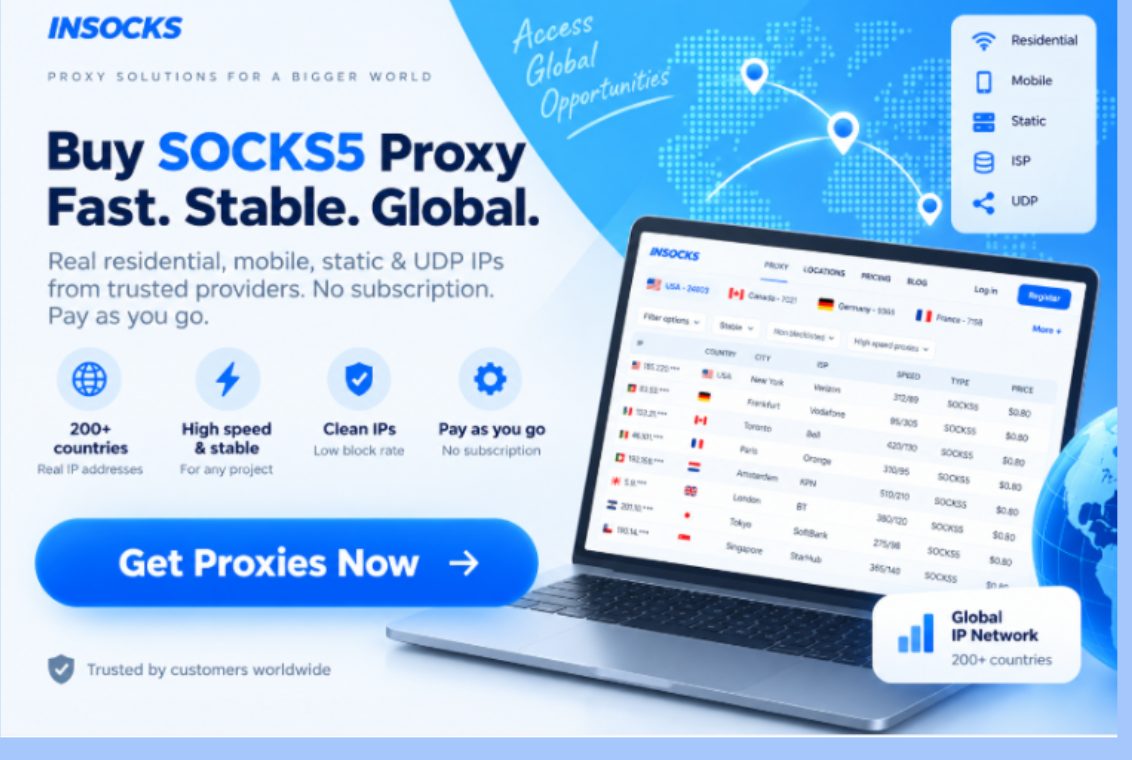
A proxy provider becomes more useful when users can understand what they are buying, match it to a real task, and test it before scaling. For teams working with research, monitoring, applications, or account access, insocks.com brings several proxy categories into one environment rather than offering one generic connection type. The service currently presents SOCKS5, residential, mobile, ISP, static, and UDP options together with route data, history, demo access, and API support. This structure helps businesses choose according to workload, protocol, location, and session requirements instead of relying on price alone. It also makes the platform suitable for both small manual tests and recurring operational workflows.
Core platform features
INSOCKS combines proxy inventory with tools for searching, comparing, activating, and managing routes. The homepage highlights smart search, detailed proxy information, ratings, flexible authorization, support, history, and API access. Together, these functions give users more context before purchase and more control after activation.
| Feature | Main purpose | Practical value |
| Smart search | Filters available routes | Faster proxy selection |
| Advanced proxy data | Shows geo ping speed DNS and blacklist status | Better pre purchase screening |
| Proxy rating | Adds a quality indicator | Easier route comparison |
| Flexible authorization | Supports credentials or no authorization | Broader software compatibility |
| Proxy history | Records previous usage | Easier route management |
| API access | Supports automated control | Better scaling |
Search and route information
Smart search becomes useful when a project needs a particular location, network type, or quality profile. INSOCKS displays information including geography, ping, speed, DNS, and blacklist status, helping users remove unsuitable candidates before activation. These indicators cannot guarantee success on every target, but they provide a stronger starting point than choosing an IP only by country and price. ✅
Demo access and activation
The provider currently offers a free demo for testing IP quality and speed before a purchase, while paid access is described as activating immediately. This allows a company to verify basic compatibility before committing a larger budget to one route category. A small controlled test is especially useful when a new tool, country, or traffic pattern is being introduced.
Proxy types and their use cases
Different proxy categories exist because online tasks have different requirements for network identity, stability, location, and speed. Residential routes focus on consumer style connectivity, mobile routes use carrier networks, and static or ISP products favor longer stable sessions. UDP and SOCKS5 add options for applications whose protocol requirements extend beyond ordinary browser traffic.
Residential proxies
Residential proxies are useful for regional research, SEO checks, pricing observation, and content verification where the visible network source can influence results. Consumer ISP addresses can provide a more relevant local perspective than basic hosted routes when a website changes information according to location. Users should still test the exact country and destination because availability and target behavior can differ.
Mobile proxies
Mobile routes fit workloads where carrier based traffic has practical value, including application testing, advertising checks, and mobile first services. They are more specialized than many general purpose routes, so the business task should justify choosing them. Paying more for mobile connectivity without a carrier specific requirement may add cost without improving results. ✨
Static and ISP proxies
Static proxies keep one address stable and can therefore suit recurring access, IP allowlists, APIs, and systems where unexpected IP changes create problems. ISP routes combine provider registered addresses with hosted infrastructure and are designed to offer stable connections with strong performance. Both categories are practical when continuity matters more than frequent rotation.
UDP and SOCKS5 options
UDP support fits voice, streaming, gaming, and other real time traffic where packet handling differs from ordinary browsing. INSOCKS states that SOCKS5 supports TCP and that UDP is available on applicable proxy types, while mobile routes have specific UDP limitations. Teams should verify protocol requirements before purchase so configuration errors are not confused with poor route quality.

Comparing proxy choices by task
A useful comparison begins with the workload rather than the product name. Choosing the proxy first can lead to unnecessary spending or a route that does not match the target environment. The following comparison provides sensible starting points that should later be confirmed through real target testing.
| Use case | Suggested starting point | Main reason |
| Regional market research | Residential | Local network appearance |
| Mobile application checks | Mobile | Carrier based identity |
| Repeated account access | Static | Stable visible IP |
| Fast recurring monitoring | ISP | Continuity with strong performance |
| Live voice or streaming | UDP | Real time packet support |
| Mixed software tools | SOCKS5 | Broad application compatibility |
Research and monitoring workflows
Research teams should normally prioritize location accuracy before maximum speed. A route should match the required country or city and then be tested against the actual website involved in the project. Recording successful locations and network types also makes later checks easier to reproduce instead of rebuilding the setup every time. ✅
Stable access workflows
Account and API based work often benefits from a predictable visible address, particularly when a platform uses IP allowlists or expects recurring sessions. Static and ISP routes can provide that consistency, although IP stability should remain only one part of the security setup. Credentials, access permissions, and approved devices still need independent control.
Step by step setup guide
A first proxy deployment should be small enough to troubleshoot but realistic enough to represent normal work. Demo access, route information, instant activation, and history provide a useful foundation for controlled testing. Following the same sequence for each new project also makes different configurations easier to compare.
Step one define the task
Write down the target service, required location, expected session length, protocol, and approximate traffic pattern. A regional pricing check has different requirements from a persistent account session or a real time communication application. Clear requirements create a measurable standard for deciding whether a proxy actually fits the project.
Step two choose the proxy type
Use residential routes when local consumer style access matters, mobile when carrier identity is relevant, and static or ISP when continuity is the priority. UDP should be reserved for applications that genuinely require real time packet transport, while SOCKS5 is useful for broader application compatibility. Starting with the simplest suitable option usually makes testing easier and limits unnecessary cost. ✅
Step three inspect and configure
Check available location, performance, DNS, rating, and blacklist information before buying. After activation, enter the supplied IP, port, and authentication details into the intended application and verify the visible location. Remote DNS is supported with SOCKS5 and can be useful when hostname resolution should occur through the proxy route.
Step four test the real task
Generic IP checkers can confirm connectivity, but the real destination should determine whether a route is suitable. Run a small version of the actual workflow and observe responsiveness, stability, session behavior, and software compatibility. If several addresses will eventually be required, test more than one route before assuming the wider pool behaves identically.
Step five document the result
Record the proxy category, location, protocol, target, and test outcome after each useful trial. INSOCKS provides proxy history, which can help users revisit earlier purchases and reduce repeated trial and error. Documentation becomes increasingly important when several employees or automated systems share the same provider account.
Information block for rental and renewal
The published terms state that proxies are normally provided for 24 hours and can later be repurchased from history or renewed automatically. Auto renewal extends an available proxy for another 24 hours and charges the account in the same way as a regular purchase. Because users control this option themselves, renewal should be disabled when the associated task no longer needs the route.
Refund timing
The service states that a manual refund can be requested when a proxy goes offline within two hours after purchase, while a bad proxy ticket generally needs to be created within five hours if the direct refund option is unavailable. Blacklist status, high fraud score, or blocking by one specific website are listed among situations that are not accepted alone as refund reasons. This makes early technical testing important and separates basic proxy availability from compatibility with one particular target. ❌
Practical recommendations for regular use
Regular proxy management becomes easier when every purchased address has a defined purpose and review point. Teams should know which project owns a route, how long it is required, and whether renewal still provides operational value. Simple internal rules can prevent short tests from becoming unmanaged recurring expenses.
Recommended habits
- ✅ Start with a demo or limited sample before scaling.
- ✅ Match proxy type and protocol to the actual workload.
- ✅ Use history and internal notes to preserve successful setups.
Practices to avoid
- ❌ Do not share purchased proxy access publicly.
- ❌ Do not use routes for spam scanners brute force activity or other prohibited operations.
- ❌ Do not assume that a strong quality score guarantees access to every destination.
Where INSOCKS fits best
INSOCKS is most practical for users who want several proxy categories and management tools inside one provider environment. Smart search, route data, demo testing, history, API access, 24 hour access periods, and several protocol options support a workflow based on selection, testing, documentation, and controlled expansion. The service still requires users to understand their own targets because no proxy category can replace correct workload planning. ✨
A practical operating approach
The strongest approach is to treat every proxy as a technical resource with a defined job rather than as a disposable IP address. Choose the route family, inspect the available data, test the real destination, save the result, and expand only when the configuration behaves consistently. This method makes the provider useful for both individual tests and structured business operations while reducing unnecessary purchases and avoidable setup mistakes.