
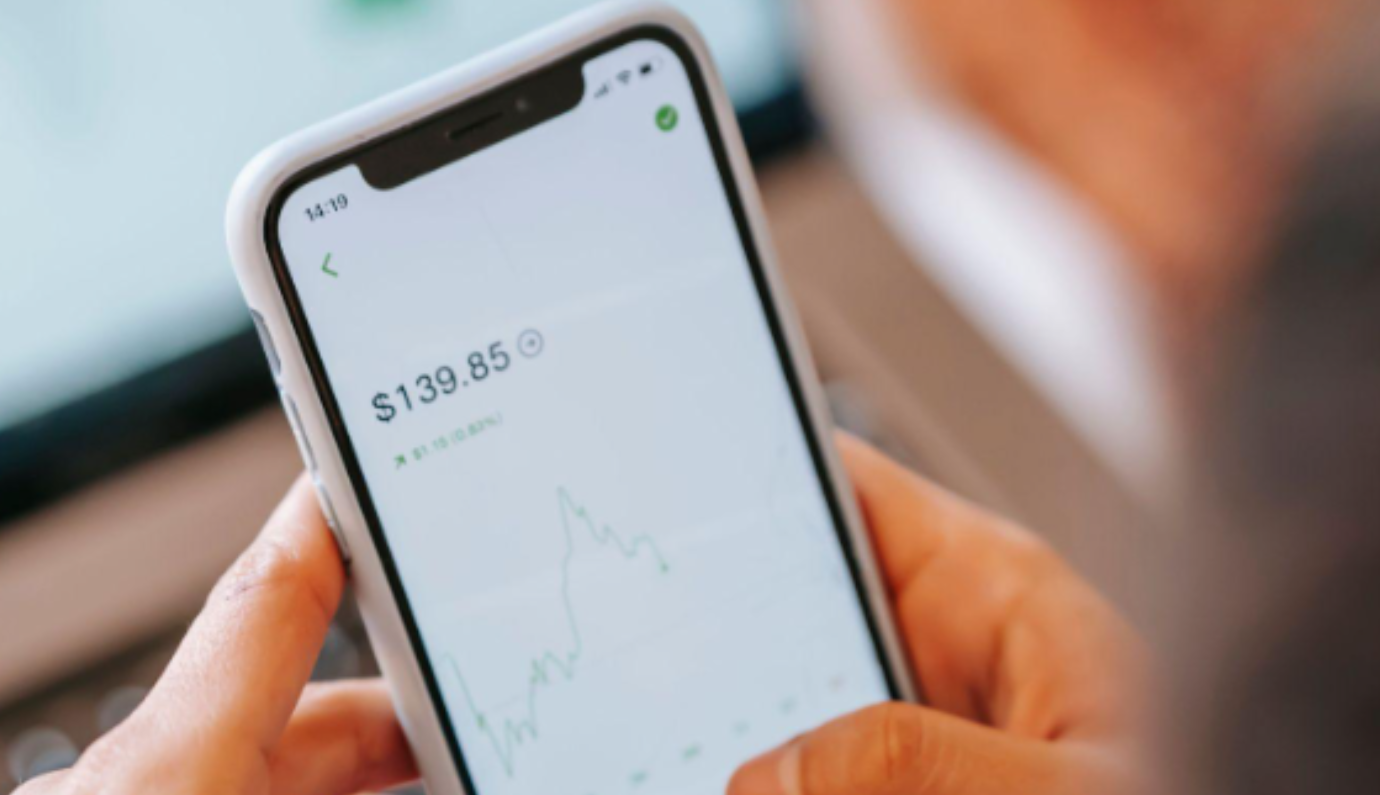
Most people judge a new app within a few minutes of opening it. Speed, layout and how quickly they find things decide whether it stays on the phone. That instinct serves well enough for a food delivery service. It serves less well for software that holds your money and sends orders into markets that can move several times in a second.
Trading apps deserve a slower assessment, and the polished screenshots on an app store listing rarely tell the full story. The ten checks below separate a well-built platform from one that only looks the part.
1. Charting Built for a Small Screen
Desktop charting squeezed onto a phone is a common shortcut, and it shows. A well-designed trading app lets you open, modify and close positions directly from the chart, with indicators and drawing tools that respond properly to a thumb rather than a mouse.
Test this before funding anything. Pinch to zoom, add a moving average, draw a trend line and count the taps. If the app runs on a tablet, see whether it supports several charts on screen at once, since that changes how much context you get in a single glance.
2. Regulation You Can Verify Yourself
Start here, because nothing further down the list matters if the firm behind the app is not authorised. In Ireland, the Central Bank keeps a public register of authorised firms and a separate list of unauthorised ones. In the US, the National Futures Association’s BASIC database shows the registration status of forex dealers.
Check the exact legal entity name rather than the brand. Clone firms copy the names, addresses and even authorisation numbers of genuine companies. The Central Bank has also warned that scammers are using AI-generated deepfake adverts to push fake investment platforms and so-called trading mentorship groups.

3. Order Types That Match How You Trade
Look for market, limit and stop orders as a minimum, plus take-profit and trailing stops. These let you define an exit before emotion gets involved.
Reading a provider’s execution policy tells you how its orders behave when markets gap.
4. Costs Shown Clearly, Not Buried in the Fine Print
Spreads get the attention, but they are one line on a longer bill. Overnight financing, commission on certain account types, currency conversion and inactivity charges can all add up over a year.
A reputable provider publishes each of these openly and shows the live spread before you confirm an order. Some also publish historical spread data, which is useful for seeing how pricing behaves around central bank announcements.
5. Alerts You Can Actually Customise
Push notifications are where mobile trading justifies itself. Useful options include price alerts, notice that a pending order is about to expire, reminders ahead of scheduled economic releases and signals when price crosses a line you have drawn.
Control is the real test. An app that floods you with generic headlines gets muted within a week.
6. Security Beyond a Password
Biometric login and two-factor authentication should be standard, along with automatic session timeouts.
The threat is not theoretical. Central Bank of Ireland figures show fraudulent payments reported by Irish payment providers rose by about 27% to just over €179 million in 2025. Authorised push payment fraud, where victims are manipulated into sending money themselves, made up 45% of that value. An app that verifies withdrawal details carefully is doing its job, even if it adds a step.
7. A Demo Account That Mirrors the Live One
Practice accounts let you learn the interface with virtual funds. The better ones run on the same platform and pricing as live accounts, so habits carry over. Use the demo for the unglamorous tasks: closing half a position, editing a stop, finding your trade history.
8. Funding and Withdrawals Without Friction
Check which payment methods are supported, whether euro deposits are converted into another account currency, and how long withdrawals take. Withdrawal speed is a fair measure of how a provider treats clients, so look for independent reviews that mention it specifically.
9. News and an Economic Calendar in One Place
Switching between apps to work out why a currency pair just jumped is clumsy. Built-in news, analyst commentary and an economic calendar keep the context together. A calendar that filters by currency and importance stops an ECB rate decision getting lost among minor data releases.
10. Support That Answers When Markets Are Open
Currency markets trade around the clock on weekdays, so support hours matter. Note whether help comes by live chat, phone or email, and send a pre-sales question to see how long a reply takes. A detailed help centre with video walkthroughs suggests a provider expects customers to learn the platform properly.
Putting the Checklist to Work
No app will score perfectly on all ten points, and the right choice depends on how often you trade and what you trade. Just because it’s easy to start doesn’t mean you shouldn’t take the time to find a service or app that’s trusted and works for you.
Shortlist two or three regulated providers, open demo accounts with each and spend a week using them as you would with real money.