
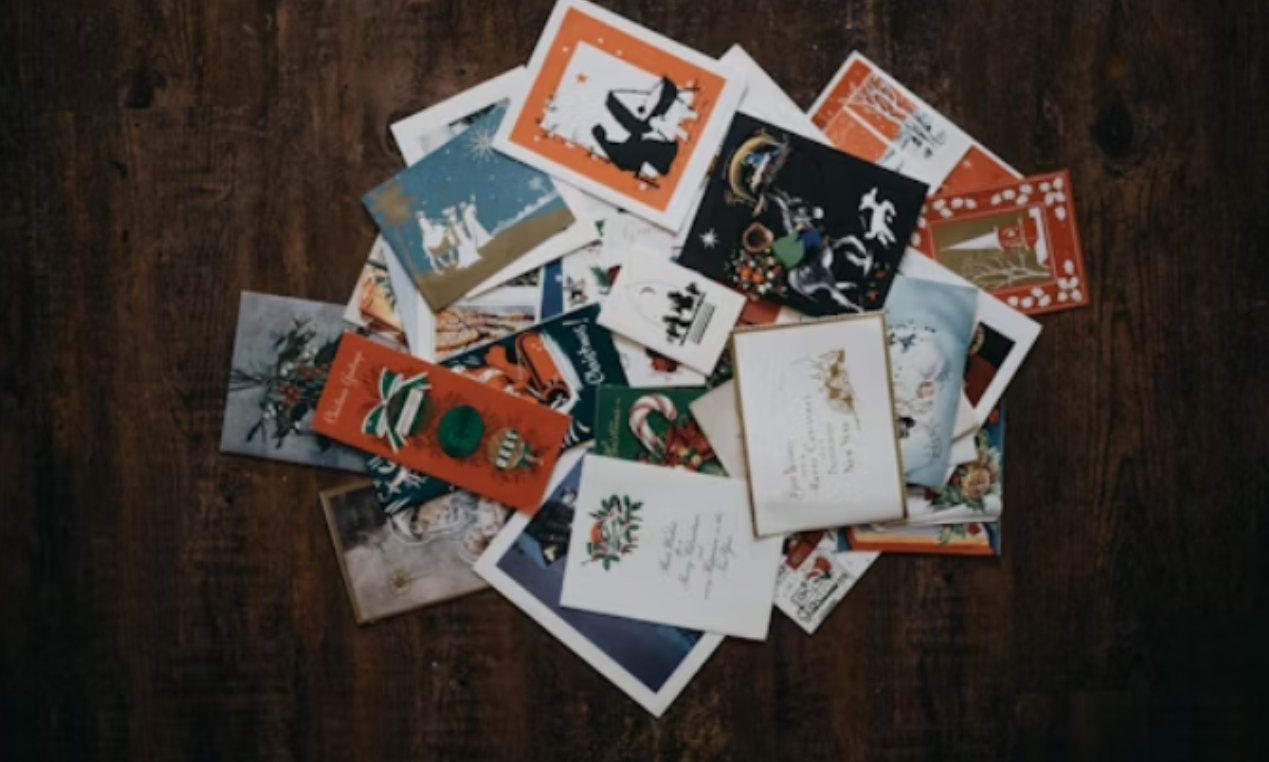
Designing a flyer used to be difficult and time-consuming. Today, with online flyer creators, anyone can design high-quality flyers quickly and easily.
Whether you’re promoting an event, advertising a sale, or sharing information, online flyer tools make the process simple, affordable, and accessible to everyone.
If you’re ready to create your own custom flyer, follow these helpful steps and tips to get started.
Know the Purpose of Your Flyer
Before you begin designing, think about why you’re making a flyer. Understanding your purpose will help guide your design choices. Flyers can be used to promote business events, announce special sales, advertise community programs, or invite people to personal events like birthdays or fundraisers.
Knowing your goal will help you choose the right layout, style, and content. If your flyer is for a business, it should look professional and reflect your brand. If it’s for a fun event, it can be more colorful and casual.
Choose an Online Flyer Creator
Once you have a clear purpose, it’s time to pick an online flyer creator. These platforms are designed to help you create flyers quickly, without needing graphic design experience. Most flyer makers work directly in your web browser, and some even offer mobile apps for designing on the go.
Look for a flyer creator that offers user-friendly tools and a wide variety of templates. Some allow you to create a flyer for free, while others offer advanced features through paid plans.
Take your time to explore the different flyer maker offerings and pick the one that best fits your needs.
Select the Right Template
Most flyer creators start by letting you choose a template. Templates are pre-designed layouts that give your flyer a professional look from the start. You can browse through categories such as business, event, school, sale, or community.
Pick a template that matches the tone and style of your message. Don’t worry if it’s not perfect-you’ll be able to change the text, colors, and images later. A good template saves you time and gives you a strong foundation to build on.
Customize Text and Fonts
Once you have your template, start editing the text. Add your headline, main message, and contact information. Keep your message short and clear. People should be able to understand the main point quickly just by scanning the flyer.
Use larger fonts for headlines and smaller fonts for details. Choose fonts that are easy to read and match the tone of your flyer. For example, a modern font works well for business flyers, while a fun, rounded font might be better for a children’s event.
Add Images or Logos
Images can make your flyer more attractive and memorable. You can upload your own photos or use the images provided by the flyer maker’s built-in library. Make sure your image is clear and relevant to your message.
If you’re designing a flyer for your business or organization, be sure to add your logo. This helps people recognize who you are and gives your flyer a more professional look.
Images should be placed in a way that supports the text, not overcrowds it. Keep your layout clean and focused.
Adjust Colors and Design Elements
Most online flyer tools let you change colors easily. Choose colors that fit your brand or the theme of your event. Bright colors grab attention, while softer tones can give a calm and professional feel.
You can also move text boxes, resize images, and add design elements like shapes or icons. Play around with the layout until it feels balanced and easy to read. Don’t be afraid to experiment-you can always undo changes or try a different layout.
Keep Your Flyer Simple
One of the best design tips is to keep your flyer simple. Too much text or too many graphics can make your flyer look cluttered. Stick to one main message and make sure the most important details stand out.
Use clear headlines, space between sections, and a clean layout to guide the reader’s eye. A simple, well-organized flyer is more effective than one that tries to say too much.
Choose Print or Digital Format
After finishing your design, decide how you want to share your flyer. If you want to print copies, most flyer creators let you download your file in high-quality formats like PDF. You can then print it at home or send it to a print shop.
If you plan to share your flyer online, save it as an image file like JPG or PNG. You can post it on social media, email it to contacts, or add it to your website. Many flyer creators even offer options to share your design directly from the platform.
Check the Details Before You Share
Before printing or posting your flyer, take a few minutes to double-check everything. Make sure names, dates, times, and contact information are correct. Look for spelling and grammar mistakes. Ask someone else to review it if possible.
Even small errors can hurt your message or make your flyer look less professional. A careful final check helps you avoid problems and ensures your flyer is ready to go.
Save Your Flyer for Future Use
Many flyer creators allow you to save your designs. This is helpful if you plan to make similar flyers again in the future. You can update the text and images without starting from scratch. Saving your flyers also lets you keep a record of your past promotions or events.
If your flyer maker offers cloud storage or an account dashboard, take advantage of it. This makes it easy to organize and access your designs any time you need them.
Design Custom Flyers Now
Online flyer creators make it easy for anyone to design and share custom flyers. By following a few simple steps and design tips, you can create a flyer that grabs attention and delivers your message clearly.
Take the time to explore your options, plan your layout, and use the features available to you.
With just a little effort, you’ll be ready to design flyers that stand out without stress, high costs, or complex software.
Check out our other blog posts for more informative content!