
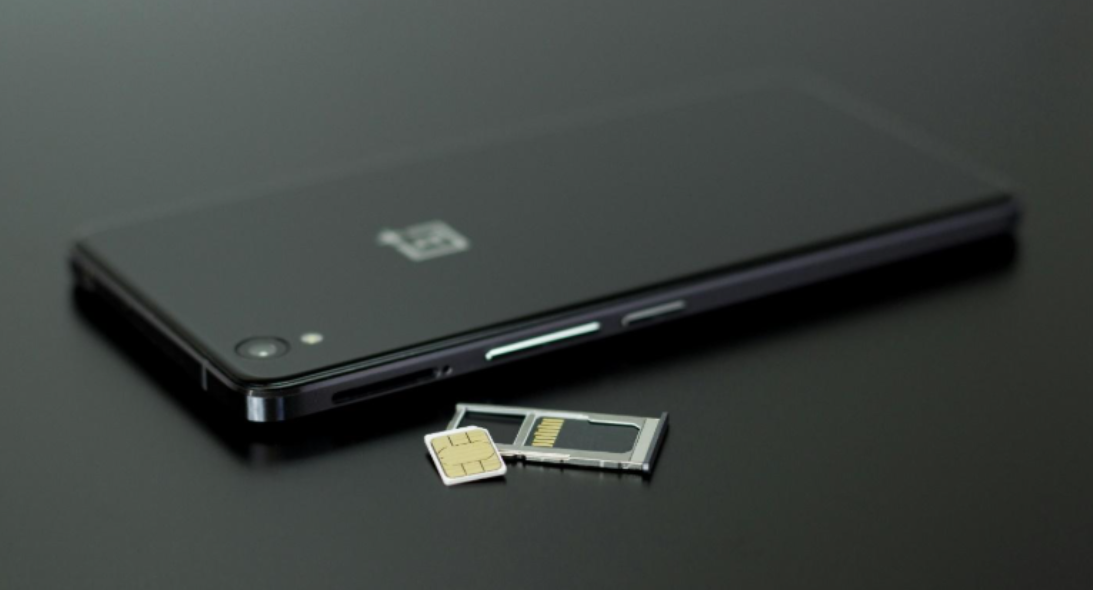
Have you ever run out of storage on your phone or camera at the worst possible moment? It’s frustrating, right? Whether you’re capturing precious family memories, storing important documents, or saving your favorite songs, having the right memory card can make all the difference. Memory cards come in various types, sizes, and speeds, which can be overwhelming if you’re not sure what to look for.
In this blog, we will share the essential features to consider when choosing a memory card to help you make an informed decision.
1. Storage Capacity
The first thing people often notice about memory cards is their storage capacity. This refers to how much data the card can hold. Memory cards range from a few gigabytes (GB) to several terabytes (TB). The right capacity depends on your needs. For example, if you’re just saving photos from your phone, a 32GB or 64GB card might be enough. However, if you’re recording 4K videos or need to store large files, you might need 256GB or even 1TB.
Consider how you plan to use the card. Frequent travelers or photographers may prefer larger capacities to avoid swapping cards often. Just remember, larger capacity cards tend to cost more. So, balance your budget with your storage needs.
2. Read and Write Speeds
Read and write speeds determine how fast data is transferred to and from the card. The write speed is how quickly data can be saved onto the card, while the read speed is how fast it can be accessed. If you’re shooting high-resolution photos or recording HD videos, faster speeds are crucial.
When looking for the fastest micro SD card, pay attention to speed class ratings. Cards labeled UHS-I or UHS-II offer faster speeds. UHS-II cards are quicker but may be more expensive. For everyday tasks, a card with moderate speeds will do, but professionals often need the fastest micro SD options to keep up with their work.
3. Card Type
Not all devices support every type of memory card. The most common types are SD (Secure Digital), microSD, and CompactFlash. SD cards are standard in cameras, while microSD cards are popular in smartphones, tablets, and action cameras. CompactFlash cards are usually used in professional cameras.
Make sure to check your device’s compatibility before buying. A microSD card with an adapter can work in SD slots, offering flexibility. However, always read your device manual to confirm which card type is recommended.
4. Durability and Reliability
Memory cards can face harsh conditions, especially if you travel or work outdoors. Some cards are designed to be water-resistant, shockproof, temperature-resistant, and even X-ray-proof. This added durability helps protect your data in tough environments.
If you’re a photographer shooting in extreme weather or someone who’s always on the go, look for cards with these protective features. Even if you don’t think you’ll need it, accidents happen. Investing in a durable card can save your valuable data from unexpected damage.
5. Speed Class Ratings
Speed class ratings indicate the minimum write speeds of a memory card. You’ll see symbols like Class 10, U1, U3, V30, or V60 on the card. Class 10 is suitable for HD video recording, while U3 or V30 is better for 4K video. The higher the number, the faster the minimum speed.
Understanding these ratings helps you pick a card that matches your device’s requirements. For example, recording a 4K video on a Class 4 card can lead to buffering issues. Always check your device’s recommended speed class before making a purchase.
6. Security Features
Some memory cards come with built-in security features to protect your data. For example, certain SD cards have a physical write-protection switch. When enabled, this switch prevents data from being accidentally deleted or overwritten.
Other cards may offer encryption options, which are useful if you’re storing sensitive information. While these features aren’t necessary for everyone, they can be valuable for professionals or anyone concerned about data security.
7. Price vs. Performance
It’s tempting to buy the cheapest memory card you find, but this can be a mistake. Lower-priced cards often have slower speeds, less durability, and shorter lifespans. On the other hand, the most expensive card might offer features you don’t need.
Consider how you’ll use the card and find a balance between price and performance. If you’re a casual user, a mid-range card with good reviews will likely be enough. If you rely on your memory card for professional work, it’s worth investing a bit more for higher performance and reliability.
8. Brand Reputation and Warranty
When buying a memory card, the brand matters. Established brands have a reputation for quality and reliability. These brands often provide warranties, giving you peace of mind in case of defects. While off-brand cards may be cheaper, they can pose risks like data corruption or short lifespans. Always buy from reputable sellers to avoid counterfeit products. Checking customer reviews can also help you gauge the reliability of a specific card. Look for brands that have been in the market for a long time and have consistently positive feedback from users. Reputable brands invest in quality control and rigorous testing to ensure their products meet high standards.
Moreover, consider the warranty and customer support options provided by the brand. A good warranty can be a lifesaver if your card malfunctions. Some brands offer lifetime warranties, while others may provide coverage for a few years.
In conclusion, choosing the right memory card isn’t just about picking the biggest one you can find. It’s about understanding what features matter for your specific needs. From storage capacity to speed, durability, security, and brand reputation, each factor plays a role in how well the card will perform. Next time you’re shopping for a memory card, take a moment to consider these features. Doing so can save you time, money, and the frustration of lost data. Your memories and important files deserve the best storage solution you can provide.