Gardena, Husqvarna Group’s leading gardening brand in Europe, is proud to announce several new products for the 2024 gardening season, marking another milestone in the company’s commitment to electrification. As a pioneer in the industry, Gardena continues to lead the way by enabling garden owners to shift to battery-powered products.
Central to Gardena’s approach is the Power for All Alliance, a joint 18V battery system platform established together with Bosch in 2020, offering home and garden owners the flexibility of using a single battery across more than one hundred power tools from leading manufacturers worldwide. This collaborative initiative, that the Husqvarna brand also is a part of, reflects the Group’s dedication to enhancing user experience and promoting interoperability within one of the largest cross-brand 18V battery systems for homes and gardens.
Introducing product highlights for 2024, all powered by Power for All batteries:
Wall-Mounted Hose Box PowerRoll: Offers freedom and flexibility as well as maximum convenience for watering. Thanks to the rechargeable battery, the hose is automatically and evenly rolled up at the touch of a button.
Multi Cleaner AquaBrush: The AquaBrush combines versatility with performance while cleaning around the house and garden.
Weed Brush EasyWeed: Say goodbye to manual weed removal with this powerful and efficient solution. It cleans precisely and removes unwanted green and deposits without chemicals.
Grass and Shrub Shears PowerCut: Perfect for the maintenance of lawn edges and regular pruning of shrubs with exceptional results.
All motorized products from Gardena are electrified, supporting Husqvarna Group’s ambition to have 2/3 of the motorized products electrified by 2026. By the end of 2023, 41% of Husqvarna Group’s motorized products were electrified.
Curve Digital and Skyhook Games are delighted to announce that Lawn Mowing Simulator, a stunning mowing simulator and detailed business management game set in the British countryside, is coming to Xbox Series S|X and PC on 10th August 2021.
David Harper, Co-founder of Skyhook Games said: “We can’t wait for players to get down to mowing this August. After a very successful game demo in June which had over 250,000 downloads, we’re really excited for players to experience Lawn Mowing Simulator in all its glory, creating their very own virtual lawn care business, manicuring lawns to perfection and just enjoying the general satisfaction of the lawn mowing experience.”
Michael Fisher, Product Manager at Curve Digital added: “Skyhook Games have done such a brilliant job creating a beautiful and realistic lawn mowing experience, and we can’t wait for players to jump in and experience it for themselves.”
About Lawn Mowing Simulator
Experience the beauty and detail of mowing the Great British countryside in Lawn Mowing Simulator, the only simulator that allows you to ride a genuine and expansive roster of real-world licensed lawn mowers from prestigious manufacturers; Toro, SCAG and STIGA as you manage your mowing business.
Lawn Mowing Simulator will feature:
PHYSICALLY AUTHENTIC LAWN MOWING EXPERIENCE – Execute ground checks, set your blade height, and measure your engine load as you complete a variety of contracts across Career Mode, Free Mode or Challenge Mode. Take your mowing to further heights with several attachments from stripe rollers, mulching kits, grass collectors, recyclers, flail decks and more.
BEAUTIFUL RURAL BRITISH COUNTRYSIDE – Lawn Mowing Simulator is set in a beautiful British countryside town. Busy residential streets, vast castle grounds, quaint cottage greens, and large equestrian fields are just some of the locations that await your mowing blades.
REAL WORLD LICENSED MOWER MANUFACTURERS - Toro, SCAG and STIGA front line Lawn Mowing Simulator with their real-world machines painstakingly recreated visually and physically. 12 Mowers are available in the base game, each with their own challenges, attachments and upgrades to pursue.
ACCURATE AND ATTENTIVE BUSINESS MANAGEMENT – Build your own lawn care business from the ground up. Purchase and upgrade your headquarters, hire employees, purchase advertising and balance the books as you grow and expand your business.
Lawn Mowing Simulator is headed to PC and Xbox Series S|X on 10th August 2021 and will be available for £24.99 / €29.99 / $29.99.
As summer arrives thoughts are turning towards our gardens and balconies and I wanted to share some ways people who might be new to gardening can use Google Lens to discover more of their garden and help children discover a love for their garden.
Whether it’s using Google Lens to identify a flower or insect, brushing up on gardening skills with Google Assistant, following outdoor DIY tutorials or even mastering the art of photography, there’s hours of fun (for adults and children) to be had on your doorstep. To get started, please find a selection of tips and tricks below using features on Google Pixel 4.
Fred Brewin, senior product manager for Google Lens, says: ‘There’s magic in the change of a season that makes people want to get closer to nature. We want to help people learn more about the environment around them, and we have a nifty AI-led tool to help. Google Lens can easily identify plants and flowers using your camera on Pixel 4 and other Android/iOSdevices with a simple tap.’
Garden ‘Field Trip’ Pixel 4 Tip Sheet
Name that flower! Google Lens: Now your little ones can become the ultimate flower expert by using Google Lens to identify what’s growing in the garden. Challenge them to find as many different species of flowers as they can and once done, move onto plants and insects. You can also encourage them to ask Google Assistant for handy facts as they go along.
Open the camera on your phone, hit more and then press Google Lens
Point your camera at the flower to identify the plant
Swipe up to learn about the discovery
You can also use the folder of stock images to create your own eye spy checklist, or if feeling creative make your own.
Channel their inner artist
Portrait Mode: Help creativity blossom by showing kids how to take beautiful snaps of the garden. Colourful flowers are perfect to photograph and now Portrait Mode on Pixel 4 makes it easier than ever to take a crystal clear shot. Photograph insects, trees or even clouds and different textures such as bark and grass. What’s more, why not try drawing or painting the photographs when returning inside.
Open up your camera and tap the menu icon
Select Portrait mode and tap on the screen to focus on the flower
Older kids can play around with the brightness and shadows slider to make the subject pop
Grow your own
YouTube Tutorials: If spending more time in the garden has you feeling green fingered, create a vegetable or flower patch with help from YouTube tutorials.
Simply download the YouTube app
Search for a video such as: ‘How to create a vegetable patch’ or ‘How to grow tomatoes’
Watch step-by-step tutorials on your phone right from the soil bed
What’s more, motion sense on Pixel 4 means you simply have to swipe to pause a video, so there’s no need to take off your gardening gloves
Make something extra special
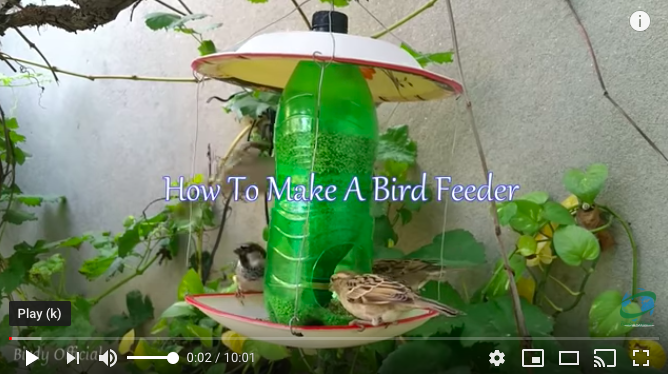
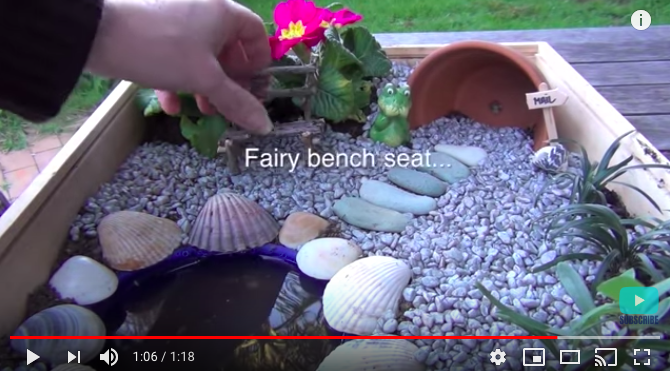
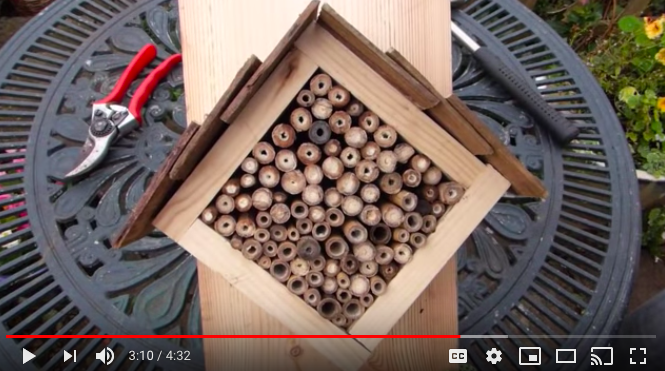
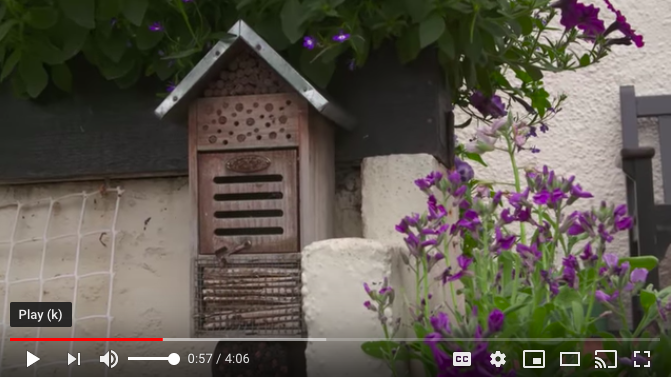
YouTube Tutorials: Once you’ve mastered the flower beds, why not start a mini building project with the whole family. Whether creating a bird feeder, bug hotel, worm tower or even a magical fairy garden, there’s a host of YouTube tutorials to follow. Please find example videos at the end of the tips.
Learn more about the world around you
Google Assistant: Kids can learn more about the world around them with help from Google Assistant. Simply say “Ok Google” followed by your question. For example, say:
Ok Google, tell me about bumble bees?
Hey Google, what is a ladybird?
Ok Google, what are the best flowers to plant this season?
Hey Google, what are the best plants for growing at home?
Bring the magic of the garden inside
Google Assistant: There’s also fun to be had if it’s rainy outside. Google Assistant can recreate the sounds of animals, birds and insects such as the sound of bumble bees or even a woodpecker. So, when telling a story about the garden or teaching your children about creepy crawlies and birds Google Assistant can help bring the lesson to life. For example, try saying:
Ok Google, what sound does a pigeon make?
Ok Google, make the sound of a robin?
Hey Google, what sound does a dove make?
Ok Google, what sound does a bee make?
Ok Google, what sound does a fox make?
Hey Google, what sound does a butterfly make?
Garden DIY Project YouTube Tutorials:
Simply say ‘OK Google, play’…followed by the below titles to bring up the video.